
Cluster overview
Nodes, pods and what needs attention — crash loops, OOM kills, stuck rollouts, failed Helm releases — one click from the fix.
KubeDrive is a fast, native macOS client for your clusters. See what needs attention, dig into any resource, follow logs and open a shell — without leaving the keyboard.
brew install --cask aleksskoz/tap/kubedriveFree forever for two clusters · Pro free for 14 days, no card · macOS 13 or later
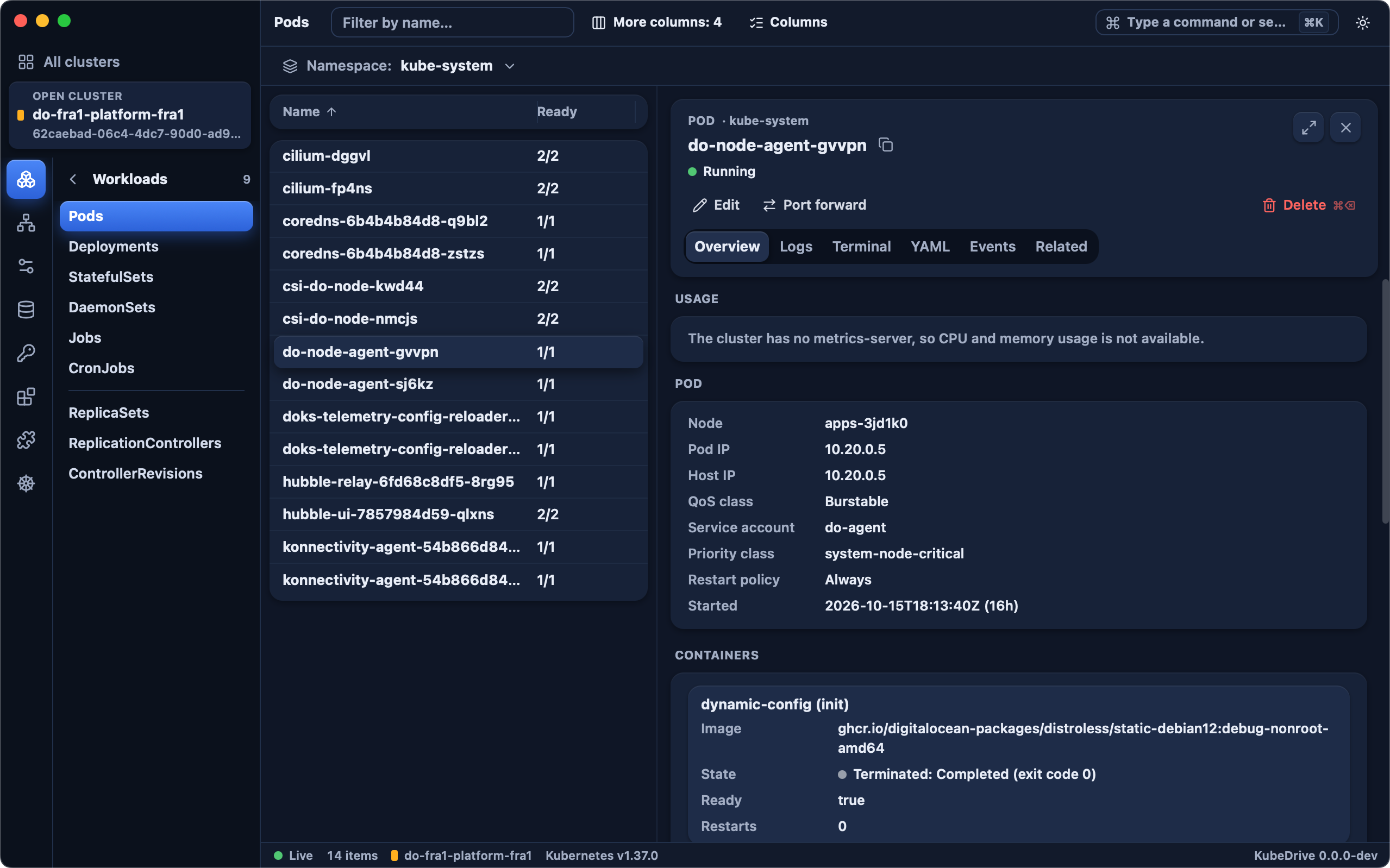
Nodes, pods and what needs attention — crash loops, OOM kills, stuck rollouts, failed Helm releases — one click from the fix.
Every resource type, streamed live, grouped by namespace, sortable and filterable, with the details beside the list.
Follow logs across containers and open a shell in any pod without leaving the window.
Values, manifests, history and the objects each release owns.
Forward a port in a couple of keystrokes; KubeDrive keeps it alive and shows what is open.
⌘K for everything: switch clusters, namespaces and resources without the mouse.
KubeDrive reads your kubeconfig and checks every context: reachable, needs a VPN, needs an SSO login. Open one and you land on what matters.
Connect your first cluster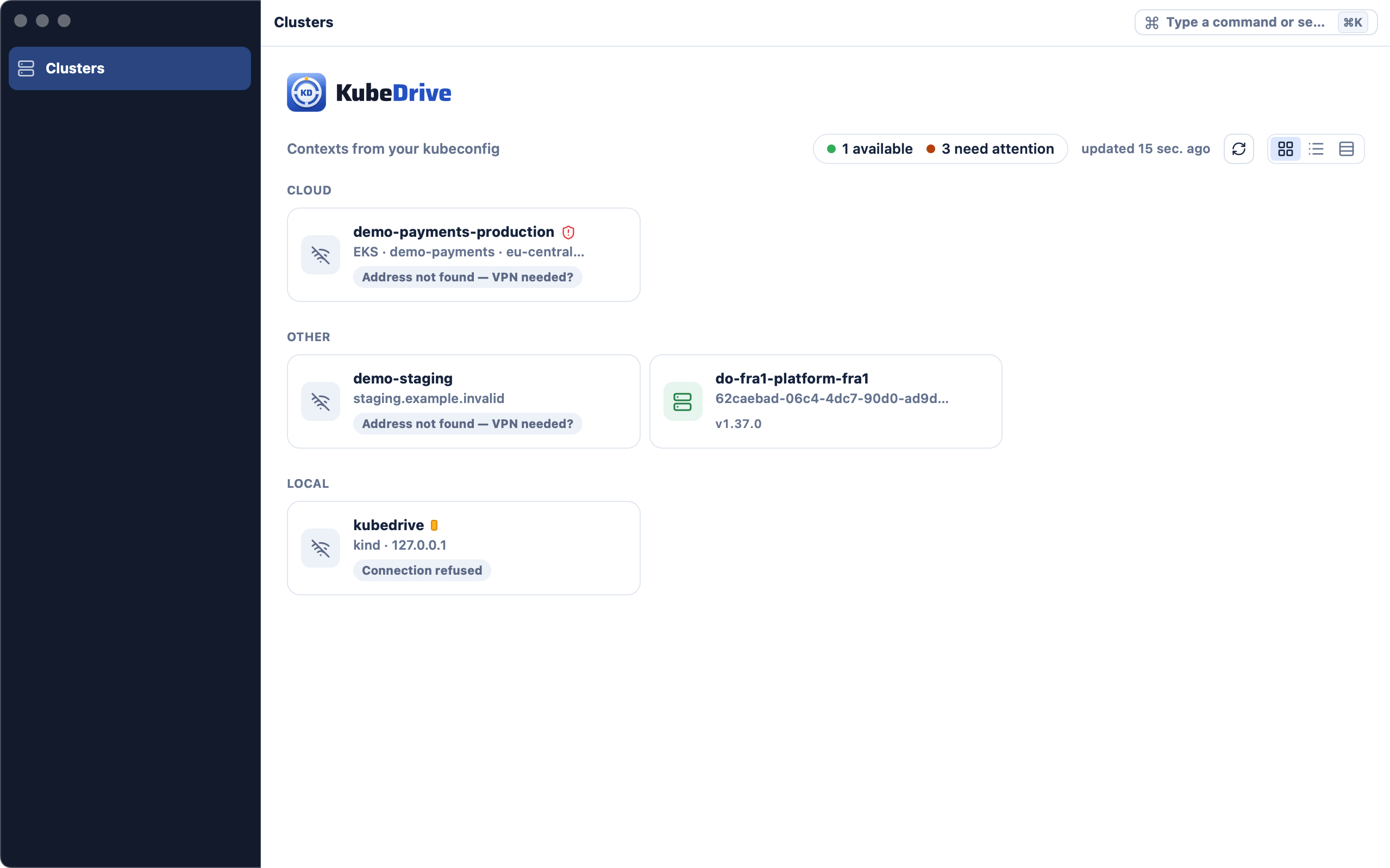
Lists stream changes as they happen and group by namespace, so a whole cluster reads at a glance. Select a row and its details, logs and YAML open beside it.
Learn the shortcuts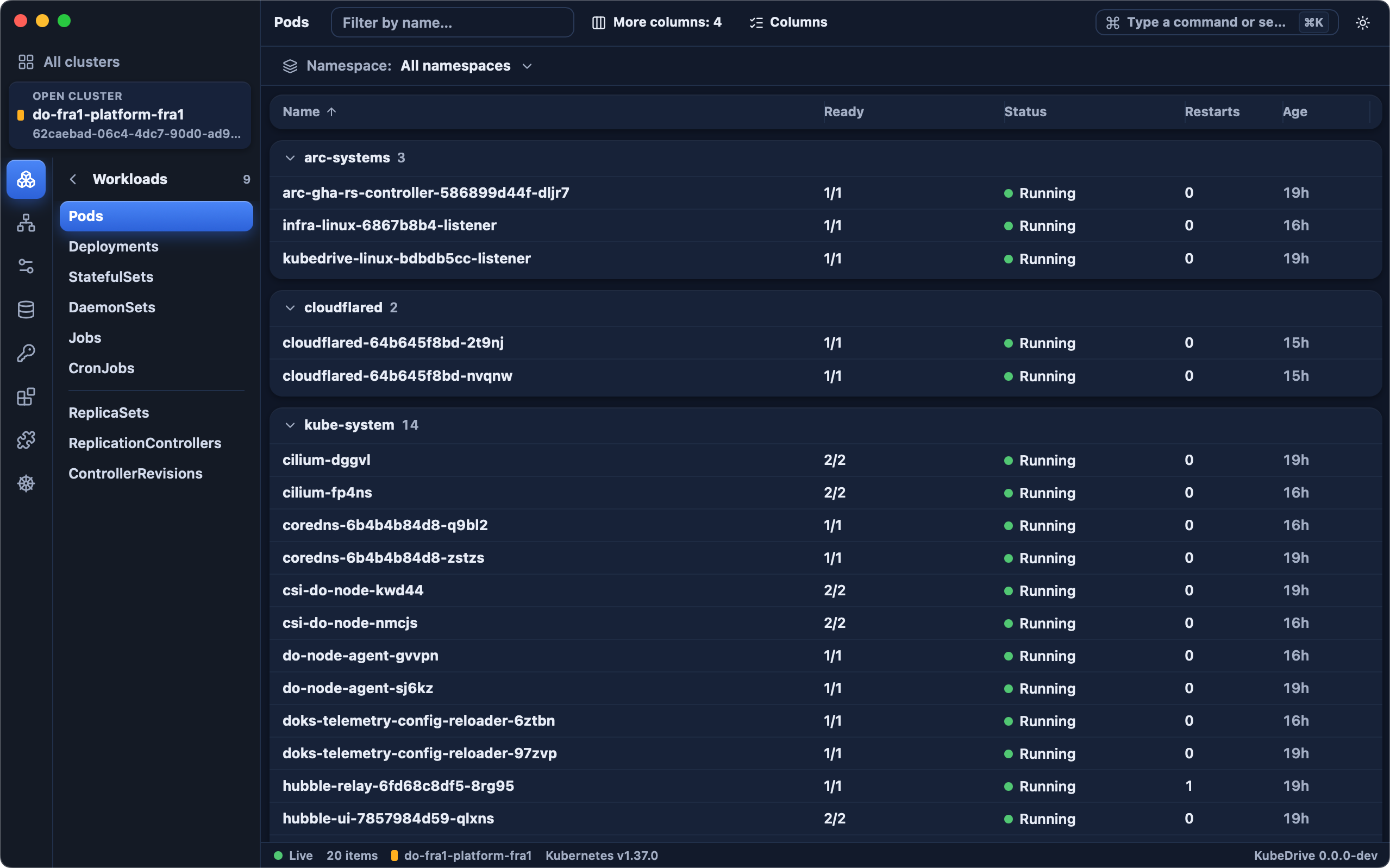
$0forever
For one developer and a couple of clusters.
Download$8per month
$79per year, about $6.60 a month
For professionals who live in many clusters.
Start 14-day free trialNo card needed. Start the trial in the app, under License.
$15per user a month, billed yearly
For teams that share clusters. From 5 seats.
Coming soonPrices in US dollars. Local prices and taxes are shown at checkout by Paddle, our reseller. Students and open-source maintainers get Pro free — write to us.
It reads the kubeconfig you already have. Nothing to set up on the cluster.
brew install --cask aleksskoz/tap/kubedrive